What Is a Robot Controller?
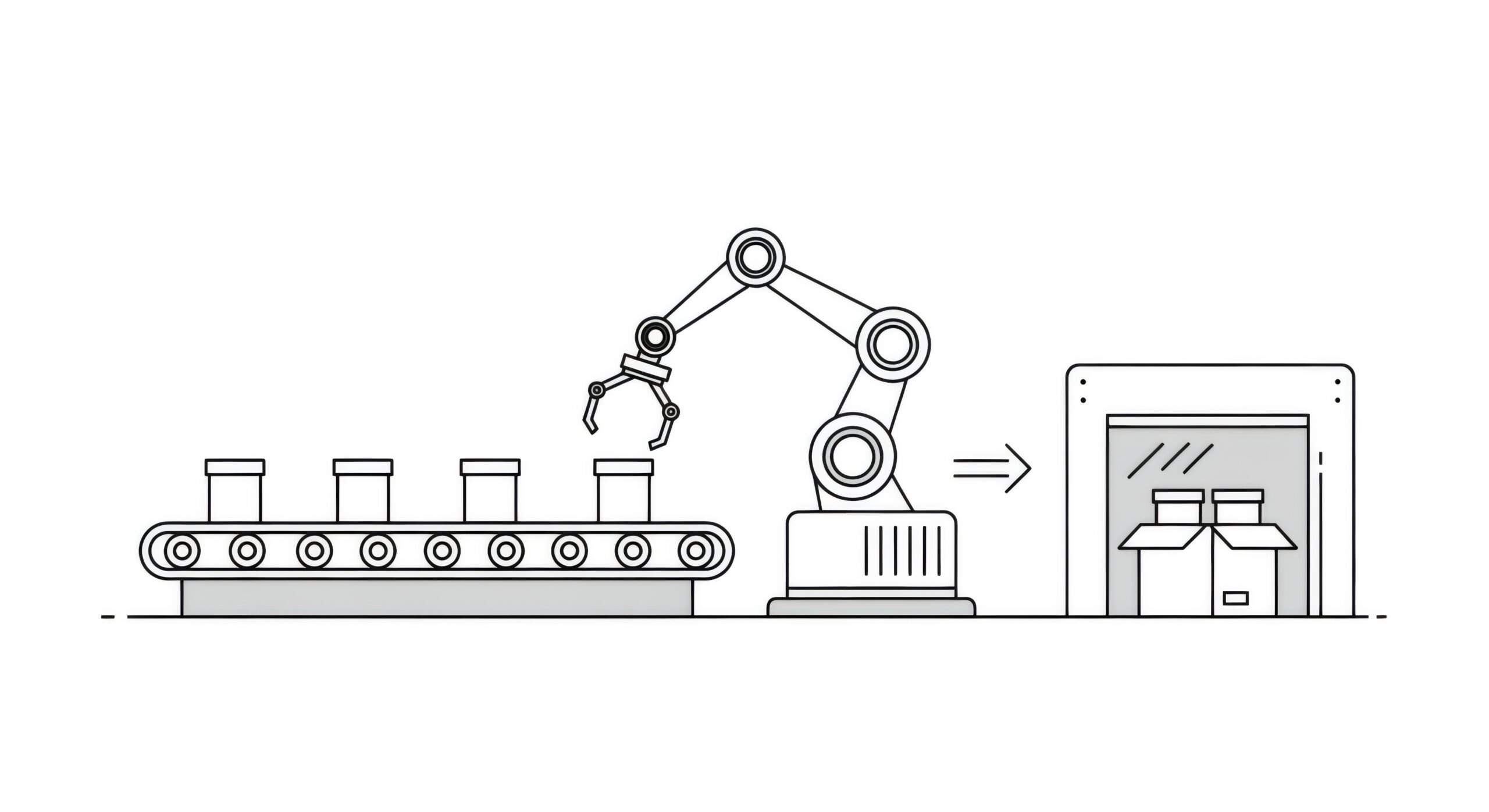
A robot controller is the electronic “brain” that directs how a robotic arm moves and works. It takes input from human commands, pre-set paths, or sensor data. Then, it changes this input into exact voltage and current signals. These signals power motors, joints, and actuators. The controller coordinates multi-axis synchronization, speed control, and trajectory planning. This ensures accurate and repeatable motion for various tasks, ranging from high-speed pick-and-place to delicate assembly.
Key functions of a robot controller include:
Path planning: calculating optimized motion profiles for each axis
Real-time feedback: reading encoders, torque sensors, or vision systems to adjust motion
Safety monitoring: enforcing speed/force limits and emergency stops
I/O integration: communicating with PLCs, conveyors, vision cameras, and fieldbus networks
Whether you deploy an industrial robot in a manufacturing cell, a collaborative robot (cobot) in a shared workspace, or an educational platform for programming labs, a controller is essential for precision motion control, torque management, and system diagnostics.
Key Components of a Robot Controller System
Manipulator (Arm)
The manipulator is the mechanical linkage, often referred to as the robot arm, that provides the physical movement. Typical arms have 4–7 degrees of freedom (DoF), enabling complex three-dimensional trajectories. Critical manipulator specifications include:
Payload capacity (maximum object weight)
Reach (linear distance from base to end effector)
Speed & torque ratings (joint acceleration/deceleration limits)
Repeatability & accuracy (positional precision in millimeters)
Material choices (aluminum, carbon fiber, or steel) influence stiffness, weight, and dynamic response. For research and prototyping, 3D-printed arms and open-source linkages allow rapid iteration; industrial setups use hardened alloys and precision bearings for long-term durability.
Controller Unit
The controller unit houses the electronics and software that drive the manipulator. It typically consists of:
Motion control board with dedicated DSPs or FPGAs for real-time axis coordination
Programmable logic controller (PLC) or industrial PC for higher-level sequencing and I/O management
Communication interfaces (EtherCAT, ProfiBus, Modbus TCP, or OPC UA) for integration into factory networks
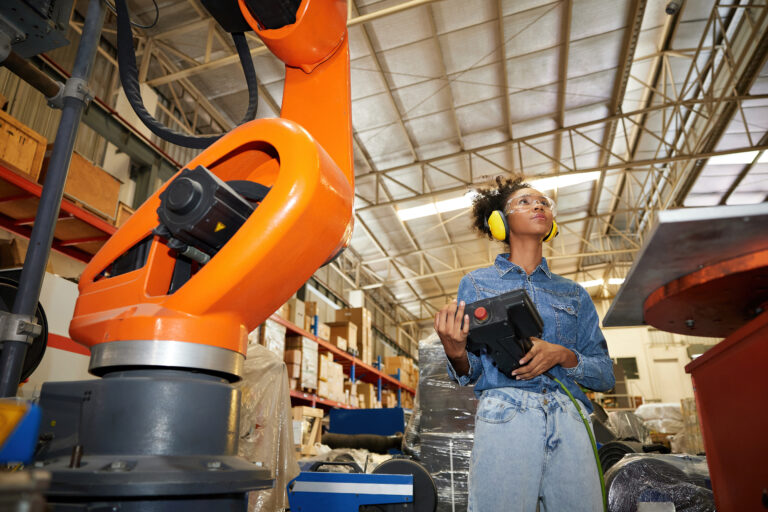
Human-machine interface (HMI) or teach pendant for manual programming, jogging, and diagnostics
Controllers vary from simple pendants for educational kits to advanced multi-core systems supporting AI-driven motion optimization. Features to look for include collision detection, adaptive force control, and embedded vision libraries.
Gripper (End Effector)
The end effector, or gripper, determines what objects the robot can handle. Gripper design should align with object geometry, material, and required force profile. Common gripper types include:
Parallel two-finger grippers for rigid objects
Adaptive four-finger or multi-jaw grippers for irregular shapes
Vacuum cup grippers for flat, non-porous surfaces
Magnetic or hook grips for ferrous parts
Soft electric grippers (e.g., Ubiros Gentle series) for delicate, compliant handling
Advanced configurations incorporate tactile sensors, force-torque sensors, and IoT connectivity to monitor grip strength, detect slippage, and adjust holding force dynamically.
Types of Robot Controllers
Pendant/Joystick Controller
Use case: Education, basic demos, low-volume tasks
Pros: Intuitive, low cost, plug-and-play
Cons: Limited precision, minimal programmability
PC-Based Motion Controller
Use case: Advanced path planning, batch production
Pros: Rich software ecosystems, complex kinematic support
Cons: Requires specialized programming skills, higher latency
Embedded PLC-Style Controller
Use case: Industrial automation, conveyor synchronization
Pros: Rugged, standard I/O integration, deterministic timing
Cons: Higher upfront cost, fixed instruction sets
Cloud-Connected AI Controller
Use case: Remote monitoring, predictive maintenance, data analytics
Pros: Scalability, machine learning optimization, secure telemetry
Cons: Network dependency, potential cybersecurity considerations
Open Source/ROS-Based Controller
Use case: Research, academic labs, custom robotics projects
Pros: Highly customizable, large community support
Cons: Less certified for industrial or safety-critical applications
How to Choose the Best Robot Controller
When selecting a robot control system, evaluate these technical criteria:
| Factor | Consideration |
|---|---|
| Payload & Arm Size | Ensure the controller’s torque output and firmware support the manipulator’s mass and inertia. |
| Degrees of Freedom | More DoF provides flexibility but increases computational complexity and tuning requirements. |
| Programming Interface | GUI-driven vs. script-based; look for drag-and-drop path editors or APIs in Python/C++. |
| I/O & Network Support | Verify compatibility with your factory’s communication protocols (EtherCAT, ProfiNet, Modbus TCP). |
| Safety & Certification | Required SIL/PL ratings, emergency stop circuits, and compliant safety zones for human-robot collaboration. |
| Vision & Sensor Integration | Native support for cameras, LiDAR, or force sensors to enable adaptive motion and quality inspection. |
| Scalability & Analytics | Cloud-enabled controllers facilitate fleet management, KPI reporting, and remote troubleshooting. |
| Maintenance & Upgrades | Firmware auto-updates, built-in diagnostic tools, and modular hardware reduce downtime and costs. |
Use Cases Across Industries
Robot controllers are essential for powering a wide range of diverse applications
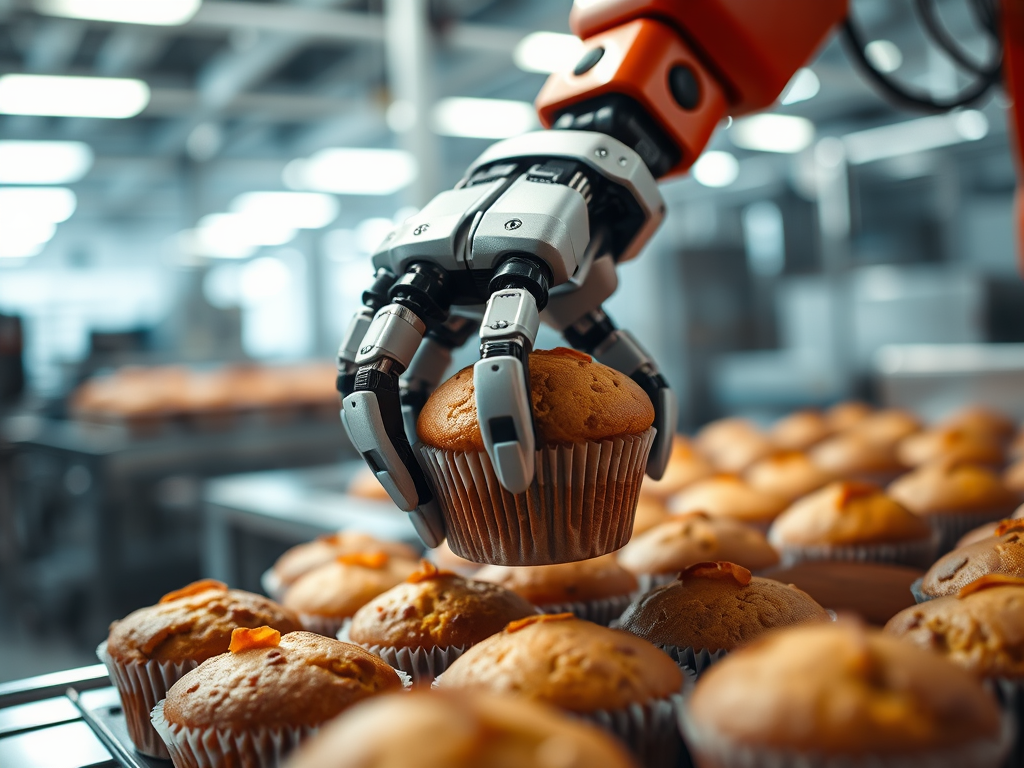
Food & Beverage: Automated pick-and-place of baked goods, bottle capping, produce sorting using electric grippers that eliminate the need for noisy pneumatic systems.
Pharmaceutical & Medical: Precise vial handling, blister pack inspection, and cleanroom dispensing where contamination control and repeatability are critical.
Electronics Manufacturing: PCB assembly, micro-soldering, cable routing, and inspection tasks that demand sub-millimeter accuracy and synchronized multi-axis motion.
Education & Research: University labs leverage ROS-based controllers to teach kinematics, control theory, and collaborative robotics without prohibitive hardware costs.
Logistics & Distribution: Warehouse automation cells combining robotic arms, autonomous mobile robots (AMRs), and vision systems to fulfill e-commerce orders with high throughput.
Comparison of Controller Types
| Controller Type | Ideal Use Case | Key Advantages | Main Drawbacks |
|---|---|---|---|
| Pendant/Joystick | Demo, training | Intuitive, cost-effective | Limited precision & features |
| PC-Based | Complex path planning | Advanced motion algorithms | Programming expertise required |
| Embedded PLC | Industrial automation | Deterministic timing, rugged | Higher capital expense |
| Cloud AI | Fleet management | Analytics, remote access | Network & security concerns |
| Open Source/ROS | Research & prototyping | Customizable, community-driven | Lacks industrial certification |
Frequently Asked Questions
Q1: What’s the difference between a robot controller and a PLC?
A PLC (programmable logic controller) excels at discrete I/O tasks—like conveyor control or packaging lines—yet a dedicated robot controller provides specialized kinematic solvers, multi-axis synchronization, and real-time trajectory correction necessary for complex robotic motion.
Q2: Can I integrate machine vision with my robot controller?
Yes. Look for controllers with native camera support (GigE Vision, USB3 Vision) or vision-module plugins that enable object detection, part localization, and quality inspection directly within the motion control loop.
Q3: Are electric grippers better than pneumatic grippers?
Electric grippers offer precise, programmable force control, quieter operation, and lower maintenance (no air lines). They’re ideal for cleanroom or food-safe environments where reliability and sanitation matter most.
Q4: How important is safety certification?
Critical. For applications where robots and humans share a workspace, controllers and safety modules must meet international standards (e.g., ISO 13849 PLd/SIL2). Emergency stops, safety-rated I/O, and adjustable safety zones are non-negotiable.